


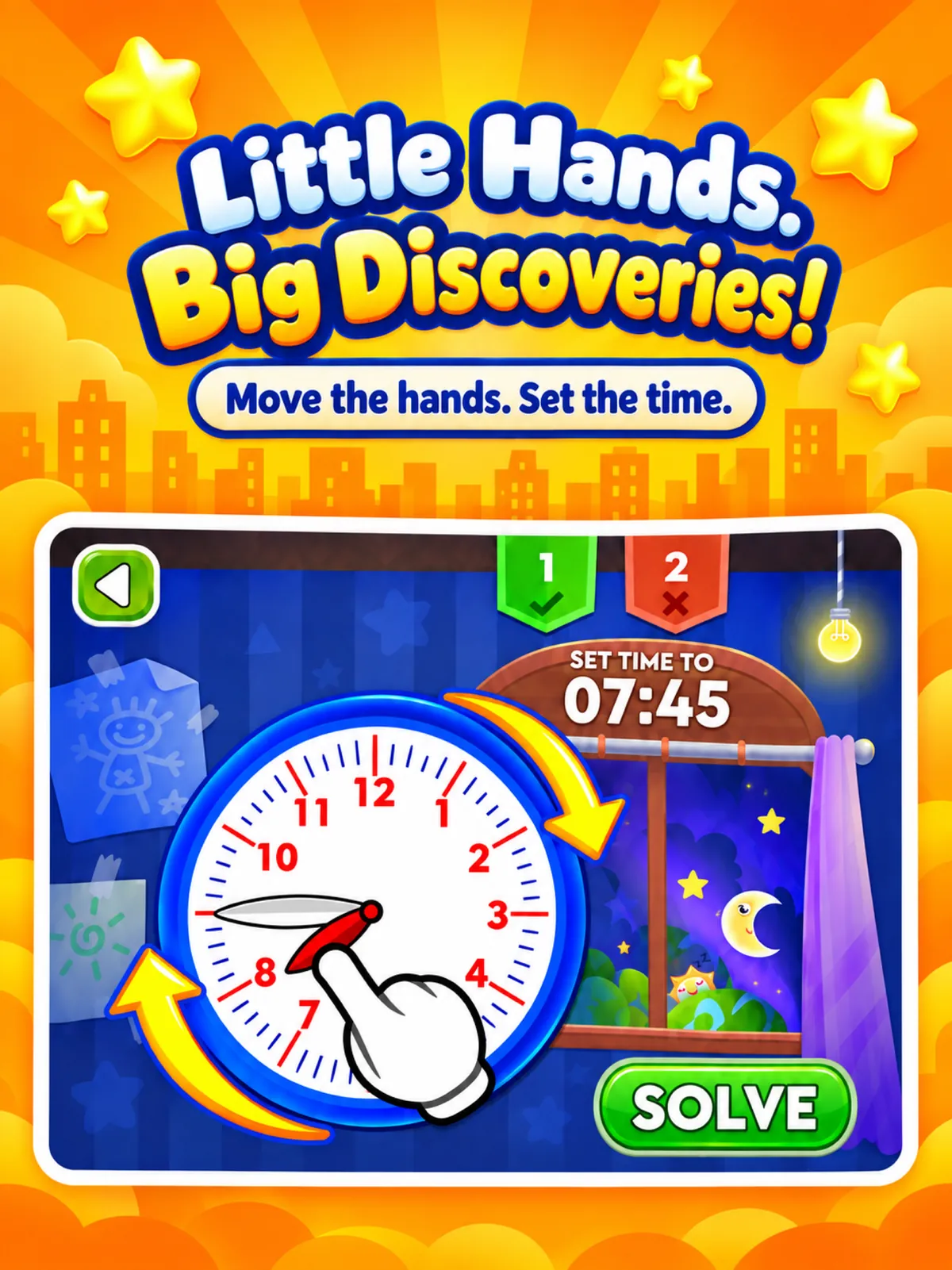
Set the time
Move the hour and minute hands to set the time, then check the answer.

Our Apps / Telling Time Academy
Telling Time Academy · by 123 Kids Academy
Telling Time Academy turns learning to tell time into a hands-on adventure. Children move the clock hands, match analog and digital times, and earn coins to build their own city.


iPhone & iPad · Android · Free download with in-app purchases
Learn by doing
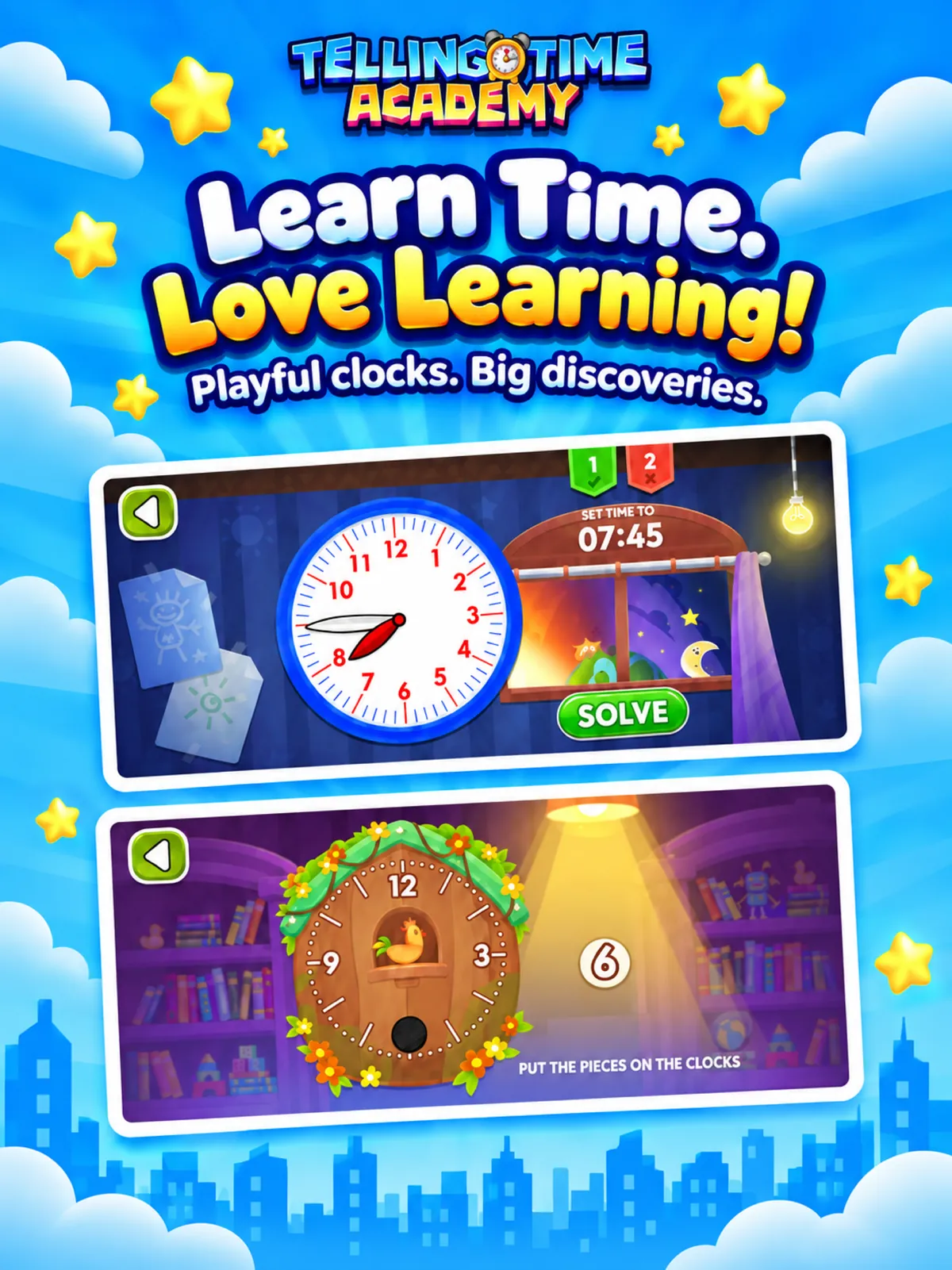
Interactive clocks make hours and minutes something children can see and move, not just memorize.
Move the hour and minute hands to set the time, then check the answer.
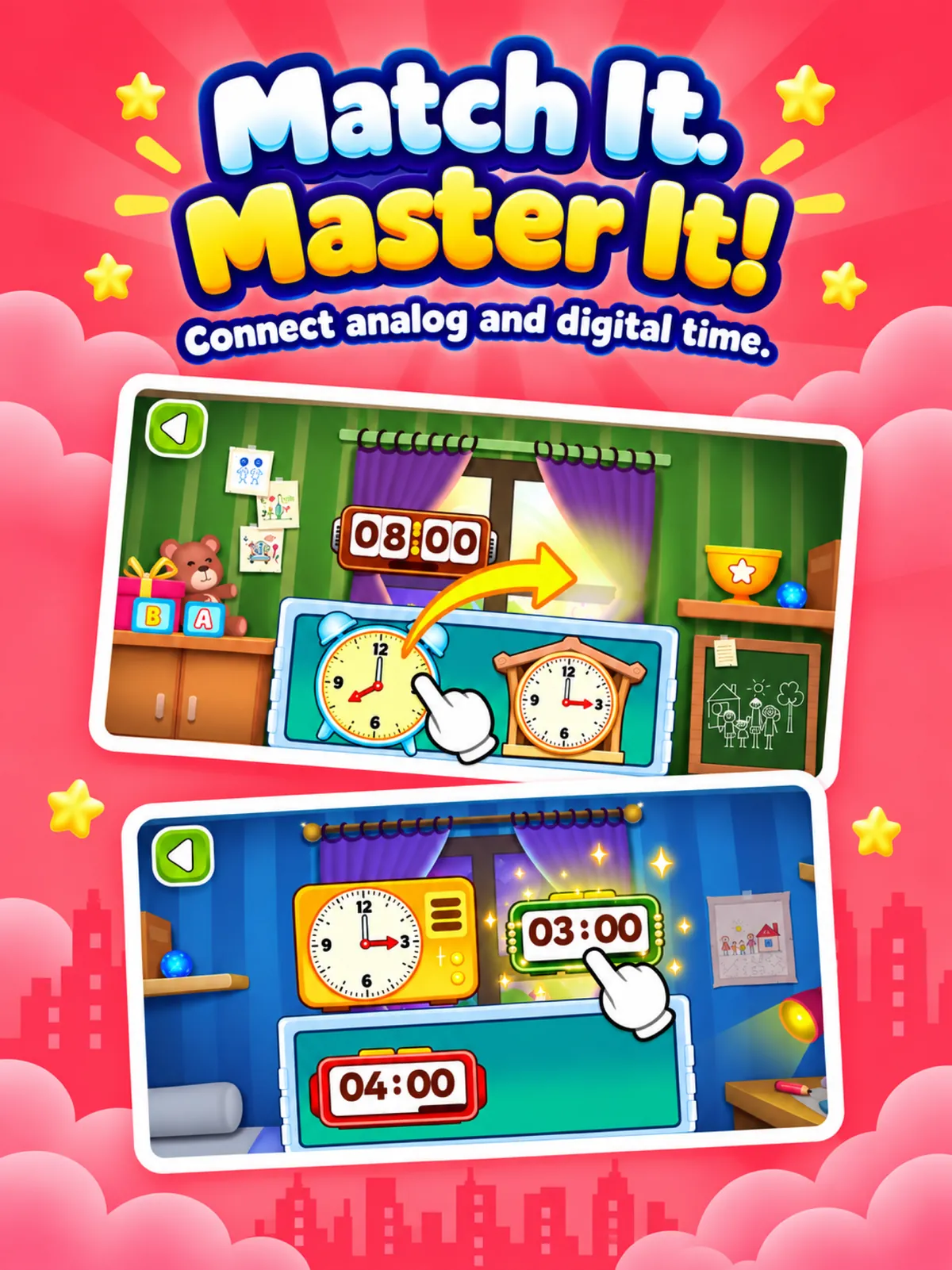
Match analog clocks with digital times in both directions, and put clock pieces in place with clock puzzles.
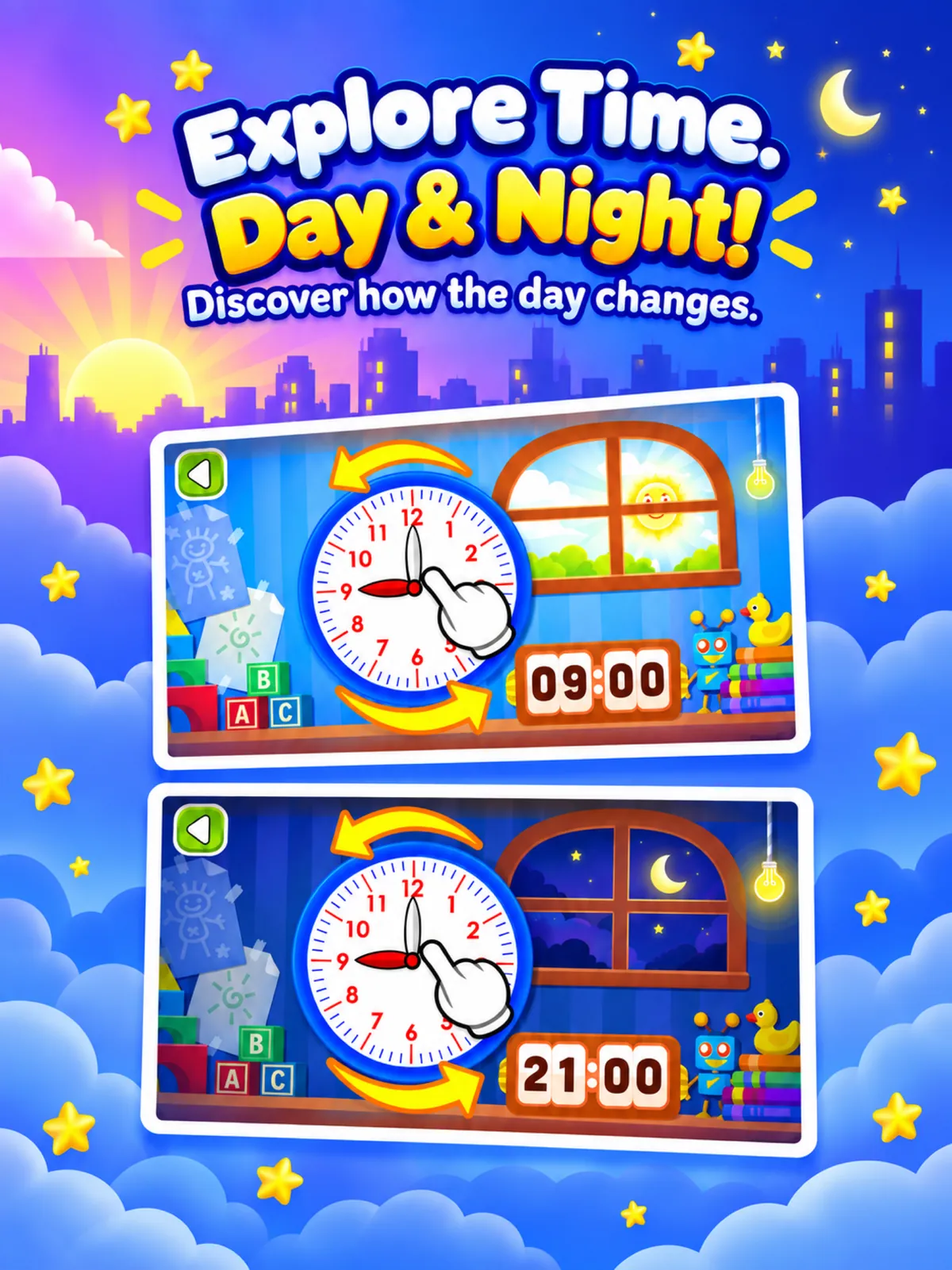
Practice with quizzes and the Stop the Clock game, and explore how time changes from day to night.
Grow at their own pace
Choose from five difficulty levels and revisit activities as confidence grows, from the clock face to 12-hour and 24-hour time with AM and PM.
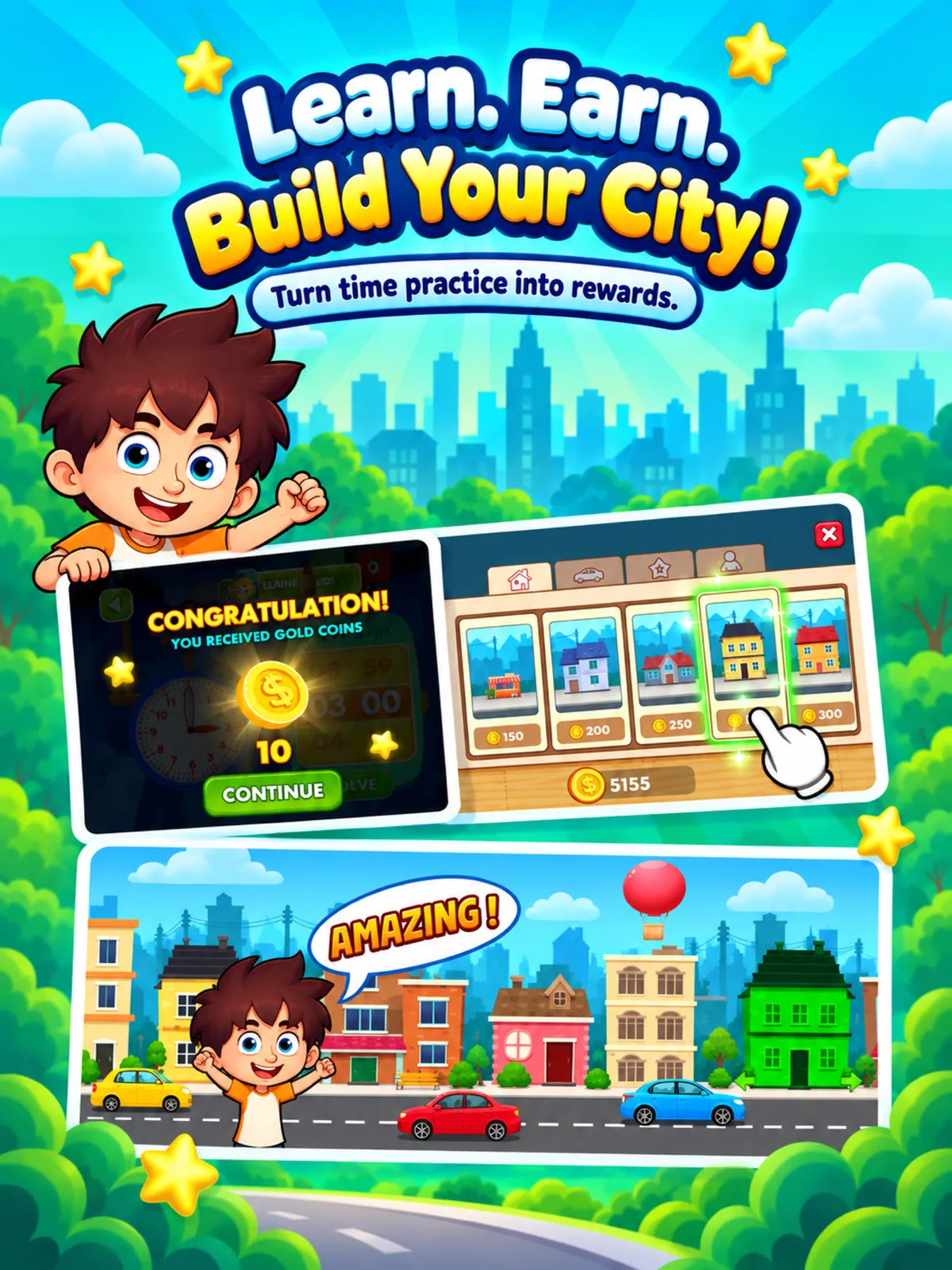
Rewards: earn in-game coins through play and use them to build a city.
For parents
Free to download. Some games and higher difficulty levels need paid access; options and prices are shown in the app.
Unlock Telling Time Academy with a one-time in-app purchase, or access it through an active 123 Kids Academy + membership.
Hand-drawn clocks with movable hour and minute hands, designed for small fingers.
Five difficulty levels help children master telling time step by step.
Devices: iPhone and iPad (iOS / iPadOS 15.0 or later) and Android. Developer: 123 Kids Academy LLC. Read the Privacy Policy and Terms of Service, or visit Support.
A few helpful answers
A hands-on app from 123 Kids Academy that helps children learn to tell time: they explore clocks, move the hands, match times and earn coins to build their own city.
Setting the time with movable hour and minute hands, matching analog and digital times, clock puzzles, quizzes, the Stop the Clock game, day and night, and 12-hour and 24-hour time with AM and PM.
Yes. There are five difficulty levels, and children can revisit activities as they gain confidence.
It is free to download. Some games and higher difficulty levels require paid access: a one-time in-app purchase or an active 123 Kids Academy + membership. Purchase options and prices are shown in the app.
iPhone and iPad with iOS or iPadOS 15.0 or later, and Android devices through Google Play.
Visit our Support page for help with Telling Time Academy.
Start the clock
Available on the App Store and Google Play. Want more early learning? Meet Kinderland and Kidszle.